The advent of artificial intelligence (AI) has revolutionized the way individuals and organizations approach their daily tasks. AI assistants, in particular, have emerged as pivotal tools in maximizing efficiency across various sectors. These digital companions are designed to perform a multitude of functions, from scheduling meetings to managing emails, thereby allowing users to focus on more strategic and creative aspects of their work.
By automating routine tasks, AI assistants not only save time but also reduce the cognitive load on employees, enabling them to engage in higher-order thinking and problem-solving. Moreover, the role of AI assistants extends beyond mere task execution; they also facilitate better decision-making processes. By analyzing vast amounts of data and providing insights in real-time, these assistants empower users to make informed choices quickly.
For instance, an AI assistant can analyze past project performance and suggest optimal resource allocation for future projects, thereby enhancing overall productivity. This dual capability of performing tasks while also providing analytical support positions AI assistants as indispensable allies in the modern workplace.
Key Takeaways
- AI assistants can maximize efficiency by automating repetitive tasks and helping with time management and task prioritization.
- Implementing AI assistants in daily workflows can streamline communication and collaboration, saving time and improving productivity.
- Leveraging AI assistants for time management and task prioritization can help individuals and teams stay organized and focused on high-priority tasks.
- AI assistants can automate repetitive tasks, freeing up time for more strategic and creative work.
- Utilizing AI assistants for data analysis and decision making can provide valuable insights and support informed decision-making.
Implementing AI Assistant in Daily Workflows
Integrating an AI assistant into daily workflows requires a thoughtful approach to ensure that it complements existing processes rather than disrupts them. The first step in this implementation is identifying specific areas where the AI can add value. For example, organizations may choose to deploy AI assistants for managing customer inquiries, scheduling appointments, or even conducting preliminary data analysis.
By pinpointing these areas, businesses can tailor the AI's functionalities to meet their unique needs, ensuring a smoother transition and greater acceptance among employees. Once the areas of implementation are identified, training and onboarding become crucial. Employees must be educated on how to interact with the AI assistant effectively.
This includes understanding its capabilities, limitations, and the best practices for leveraging its features. For instance, if an AI assistant is integrated into a project management tool, team members should be trained on how to use it for tracking progress and updating tasks. This training not only enhances user experience but also fosters a culture of collaboration between human workers and AI technologies.
Leveraging AI Assistant for Time Management and Task Prioritization
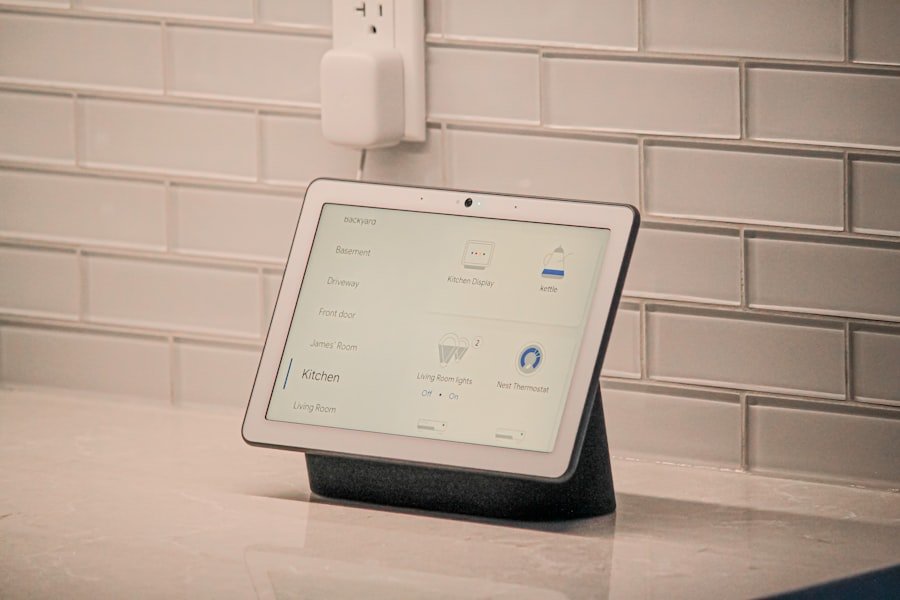
Time management is a critical skill in today’s fast-paced work environment, and AI assistants can significantly enhance this aspect by providing intelligent task prioritization. By analyzing deadlines, project requirements, and individual workloads, an AI assistant can suggest which tasks should be tackled first based on urgency and importance. This capability is particularly beneficial for professionals juggling multiple responsibilities, as it helps them allocate their time more effectively.
Additionally, AI assistants can send reminders and alerts for upcoming deadlines or important meetings, ensuring that users stay on track with their commitments. For example, if a project deadline is approaching, the AI can prompt the user to focus on related tasks that need immediate attention. This proactive approach not only helps in managing time better but also reduces the stress associated with last-minute rushes.
By providing a structured framework for task management, AI assistants enable users to maintain a clear focus on their priorities.
Streamlining Communication and Collaboration with AI Assistant
| Metrics | Q1 | Q2 | Q3 | Q4 |
|---|---|---|---|---|
| Number of AI assistant interactions | 150 | 200 | 250 | 300 |
| Time saved on communication tasks (hours) | 20 | 30 | 40 | 50 |
| Accuracy of AI assistant responses (%) | 85% | 90% | 92% | 95% |
Effective communication is the backbone of any successful organization, and AI assistants play a vital role in streamlining this process. They can facilitate communication by managing emails, scheduling meetings, and even summarizing discussions from previous meetings. For instance, an AI assistant can automatically sort emails based on priority or relevance, allowing users to focus on critical messages without getting bogged down by less important correspondence.
In terms of collaboration, AI assistants can enhance teamwork by integrating with collaboration tools such as Slack or Microsoft Teams. They can help schedule group meetings by finding suitable times for all participants or even create shared documents that team members can edit in real-time. This seamless integration fosters a collaborative environment where information flows freely and efficiently among team members.
Furthermore, by providing insights from past communications or project updates, AI assistants can help teams stay aligned and informed about ongoing initiatives.
Automating Repetitive Tasks with AI Assistant
Repetitive tasks often consume valuable time that could be better spent on strategic initiatives. AI assistants excel at automating these mundane activities, freeing up employees to focus on more impactful work. For example, data entry is a common task that can be automated through an AI assistant.
By using natural language processing (NLP) capabilities, the assistant can extract relevant information from emails or documents and input it into databases without human intervention. Another area where automation proves beneficial is in customer service. AI assistants can handle frequently asked questions through chatbots or voice interfaces, providing instant responses to customers while reducing the workload on human agents.
This not only enhances customer satisfaction through quicker response times but also allows human agents to concentrate on more complex inquiries that require personal attention. The automation of repetitive tasks thus leads to increased efficiency and improved service delivery.
Utilizing AI Assistant for Data Analysis and Decision Making
Data-driven decision-making is essential in today’s business landscape, and AI assistants are equipped to support this process through advanced data analysis capabilities. They can sift through large datasets quickly, identifying trends and patterns that may not be immediately apparent to human analysts. For instance, an AI assistant could analyze sales data over several quarters to identify seasonal trends or customer preferences, providing actionable insights that inform marketing strategies.
Moreover, these assistants can generate reports that summarize key findings and present them in an easily digestible format. This capability allows decision-makers to access critical information at a glance without wading through extensive data sets themselves. By presenting data visually through charts or graphs, AI assistants enhance comprehension and facilitate quicker decision-making processes.
The ability to leverage data effectively not only improves operational efficiency but also positions organizations to respond proactively to market changes.
Integrating AI Assistant with Existing Tools and Systems
For an AI assistant to be truly effective, it must seamlessly integrate with existing tools and systems within an organization. This integration ensures that the assistant can access relevant data and perform tasks across various platforms without requiring users to switch between applications constantly. For example, integrating an AI assistant with a customer relationship management (CRM) system allows it to pull customer data directly when scheduling meetings or sending follow-up emails.
Furthermore, APIs (Application Programming Interfaces) play a crucial role in facilitating this integration. Organizations can leverage APIs to connect their AI assistants with other software solutions they use daily, such as project management tools or accounting software. This interconnectedness not only streamlines workflows but also enhances data accuracy by reducing the chances of manual entry errors.
As a result, employees can work more efficiently while maintaining high levels of productivity.
Ensuring Security and Privacy with AI Assistant
As organizations increasingly rely on AI assistants for various functions, ensuring security and privacy becomes paramount. These digital tools often handle sensitive information, making it essential to implement robust security measures to protect data from unauthorized access or breaches. Organizations must prioritize encryption protocols for data transmission and storage to safeguard confidential information.
Additionally, user access controls should be established to limit who can interact with the AI assistant and what data they can access. Regular audits and monitoring of the assistant's activities can help identify any unusual behavior that may indicate security vulnerabilities. Furthermore, organizations should stay informed about compliance regulations related to data privacy, such as GDPR or CCPA, ensuring that their use of AI assistants aligns with legal requirements.
By prioritizing security and privacy measures, organizations can confidently harness the power of AI assistants while protecting their valuable data assets.
If you are interested in learning more about AI assistants, you may want to check out the course “AI for Executives: Cutting Through the Hype and Getting to What Matters” offered by The Training Master. This course delves into the practical applications of AI in business and how executives can leverage this technology to drive innovation and efficiency. To learn more about this course, visit here.
FAQs
What is an AI assistant?
An AI assistant, also known as a virtual assistant, is a software program that uses artificial intelligence to perform tasks or services for an individual. These tasks can include answering questions, providing recommendations, scheduling appointments, and more.
How does an AI assistant work?
AI assistants work by using natural language processing and machine learning algorithms to understand and respond to user input. They can access and analyze large amounts of data to provide accurate and relevant information to users.
What are some popular AI assistants?
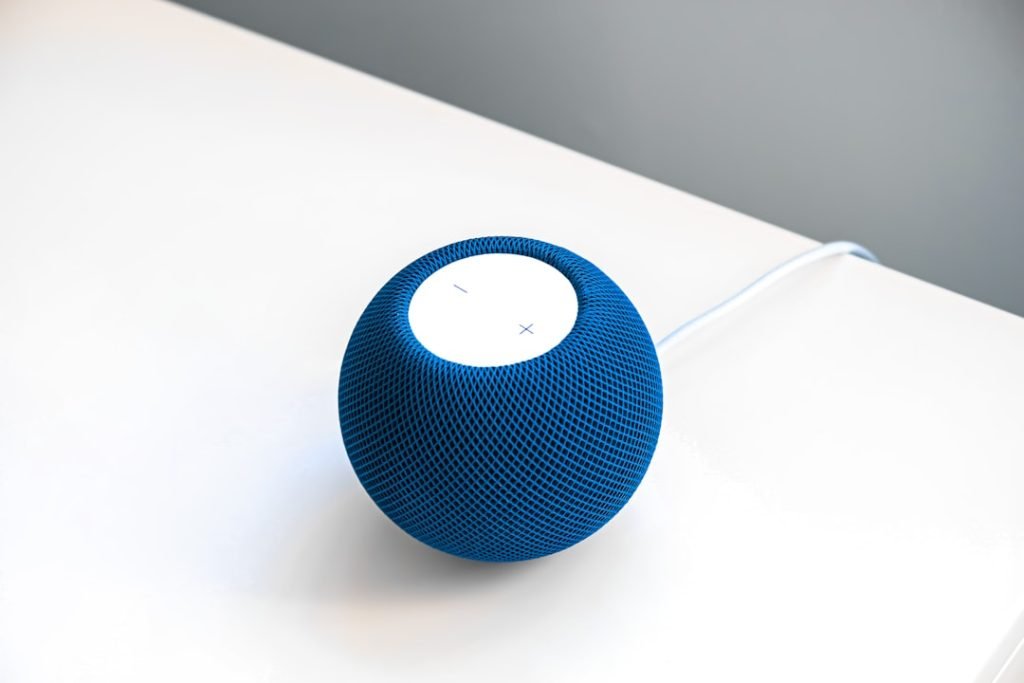
Some popular AI assistants include Amazon's Alexa, Apple's Siri, Google Assistant, and Microsoft's Cortana. These assistants are integrated into various devices such as smartphones, smart speakers, and smart home devices.
What are the benefits of using an AI assistant?
AI assistants can help users save time, increase productivity, and access information more efficiently. They can also provide personalized recommendations and reminders, and assist with tasks such as making reservations or ordering products online.
Are there any privacy concerns with using AI assistants?
There are potential privacy concerns with using AI assistants, as they often collect and store user data to improve their functionality. Users should be aware of the data collection practices of AI assistants and take steps to protect their privacy, such as reviewing and adjusting privacy settings.